Advertise A Property
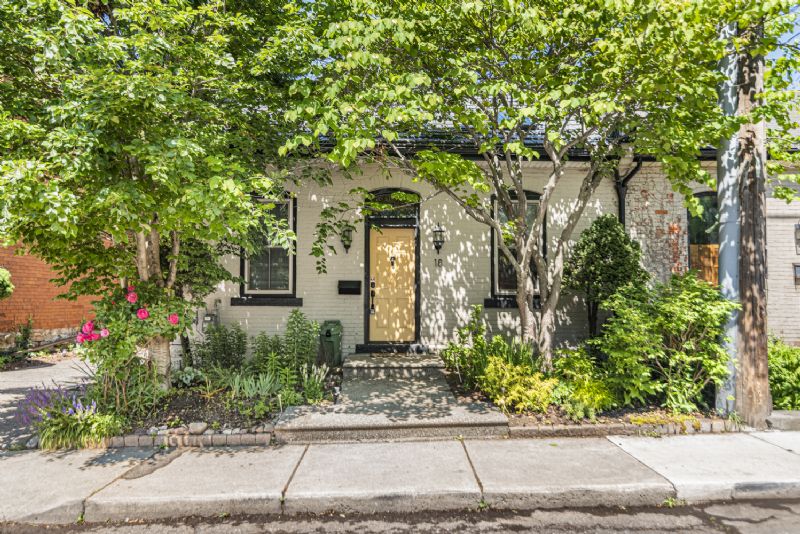
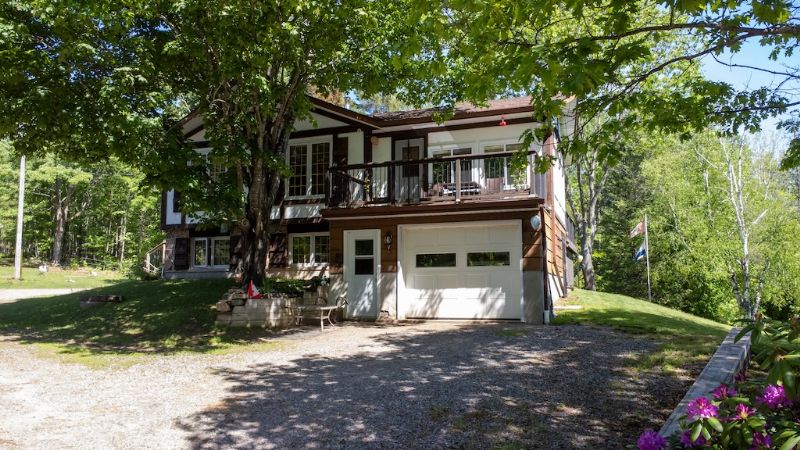
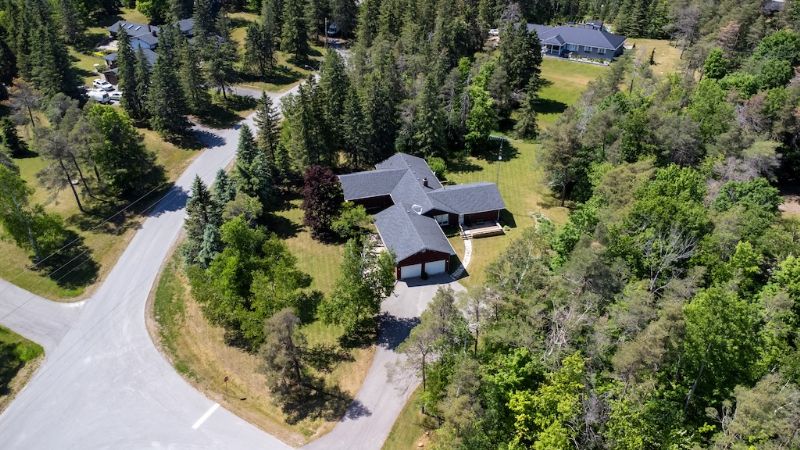
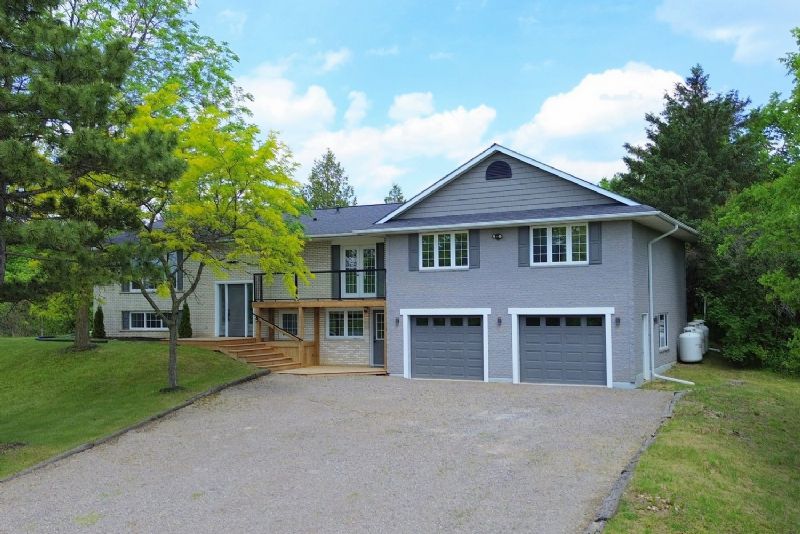
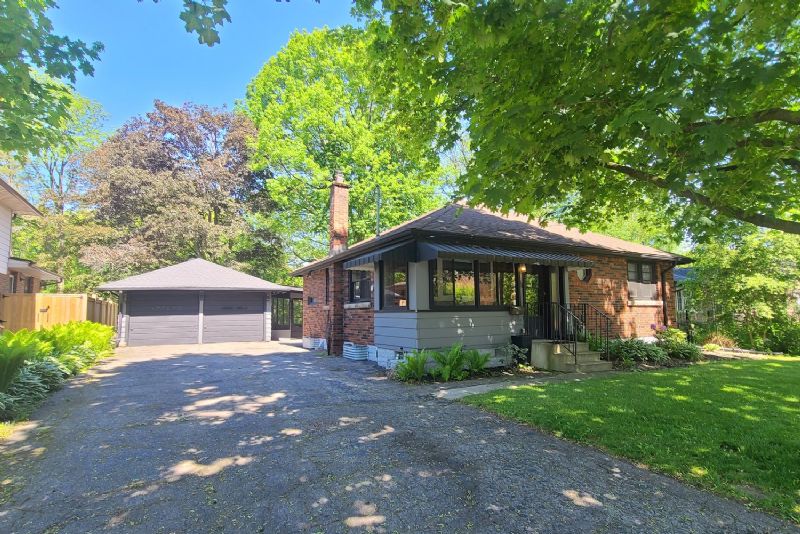
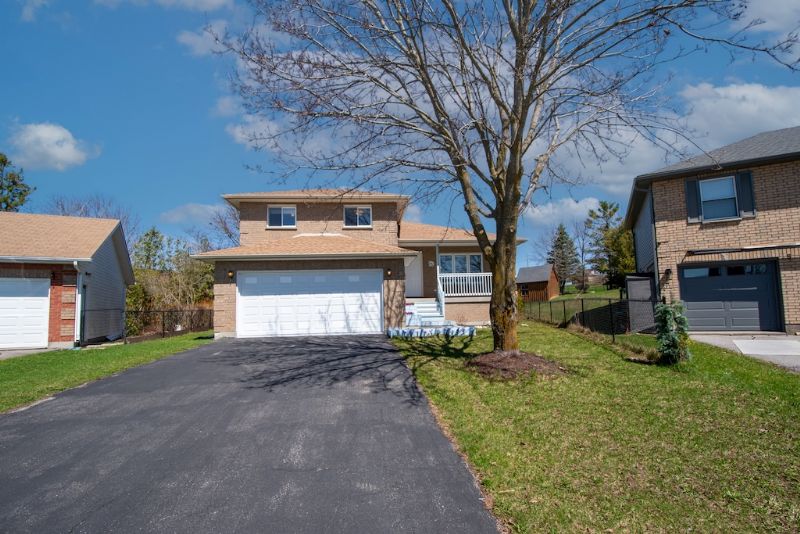
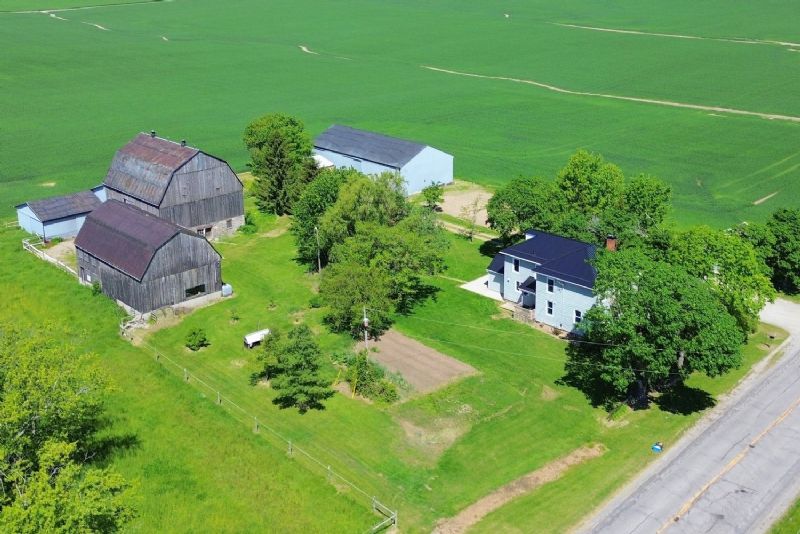
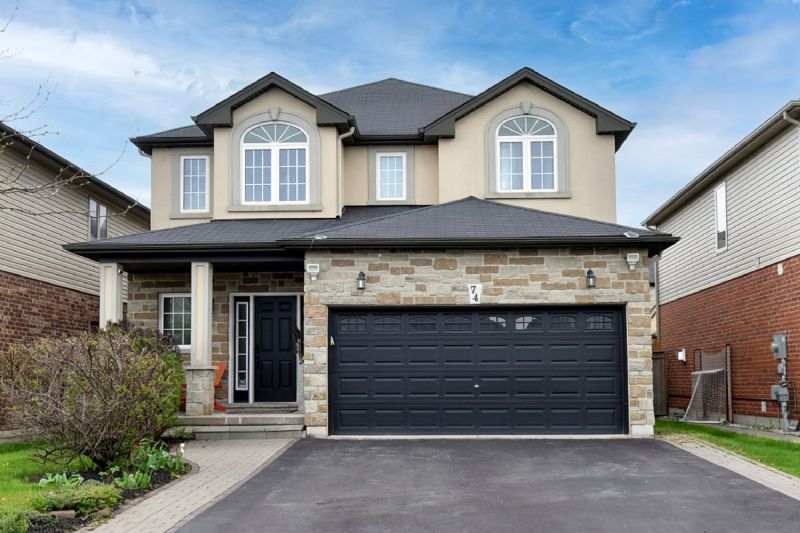
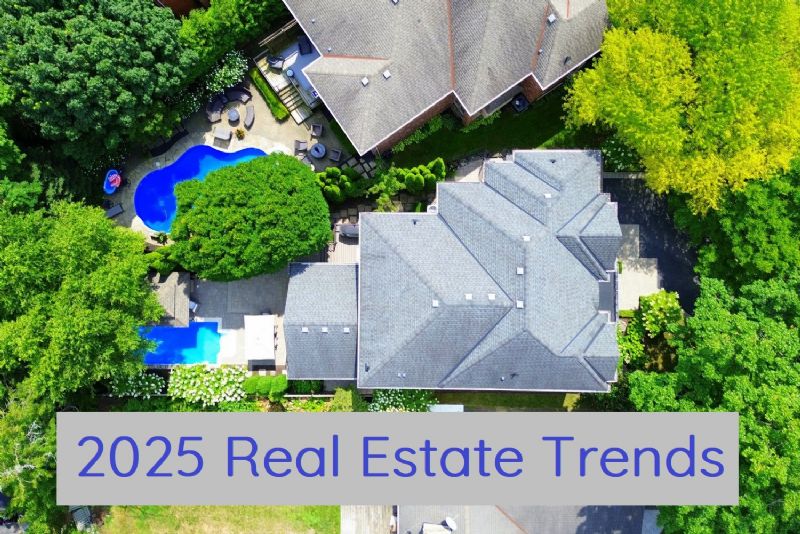
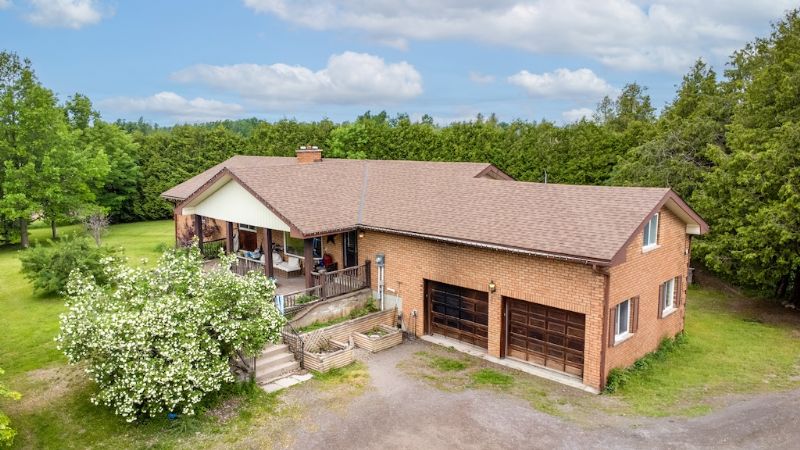
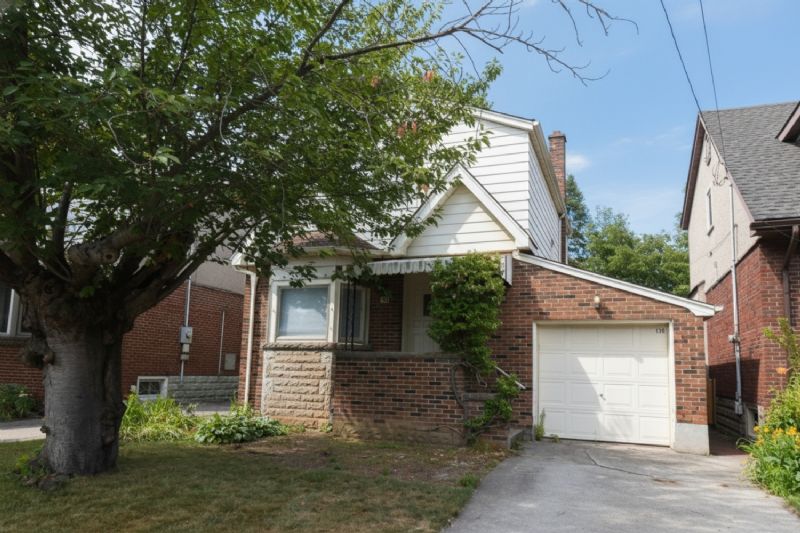
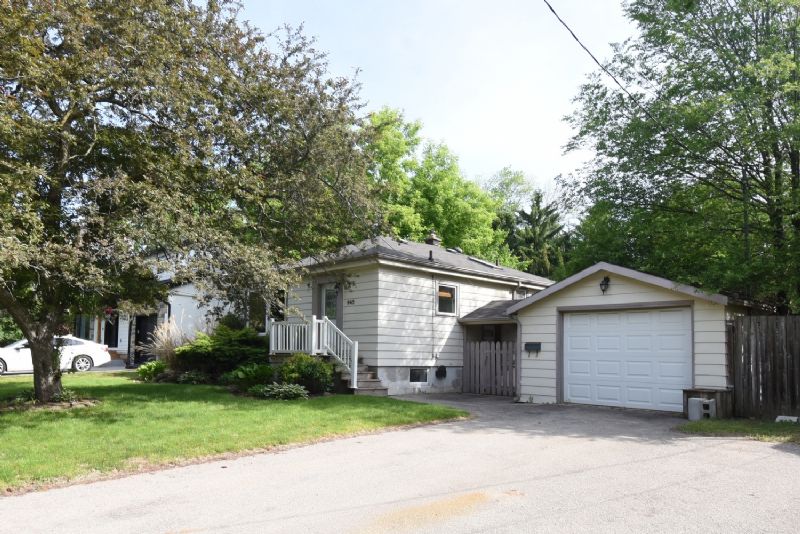
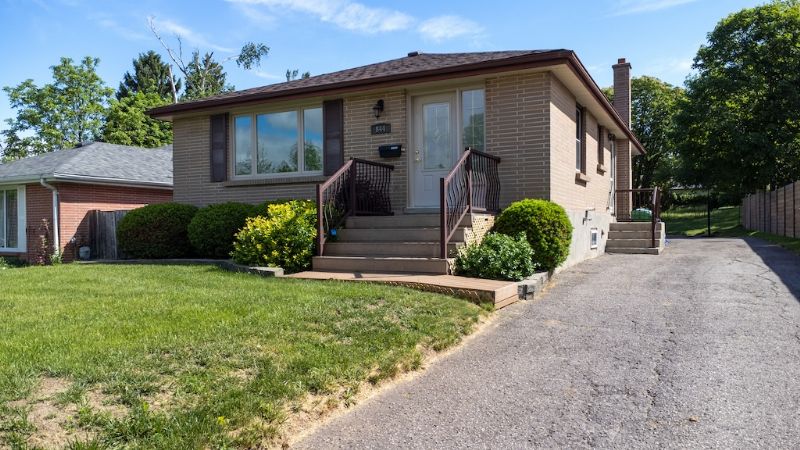
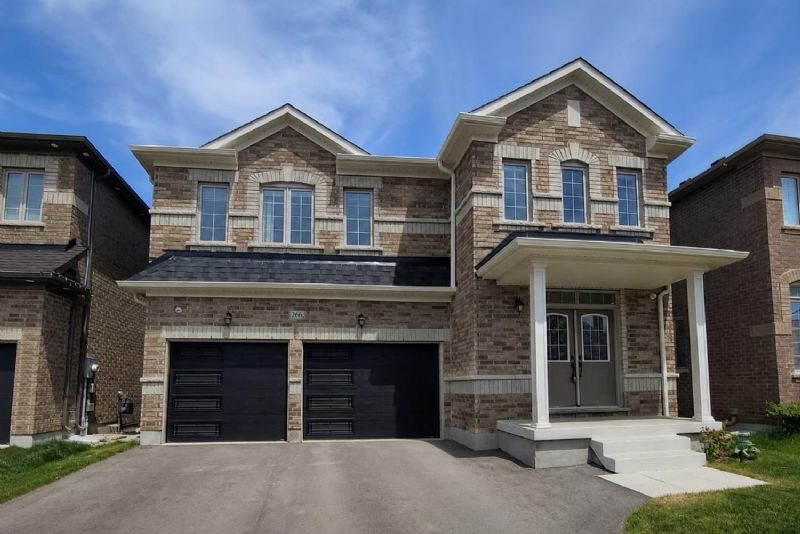
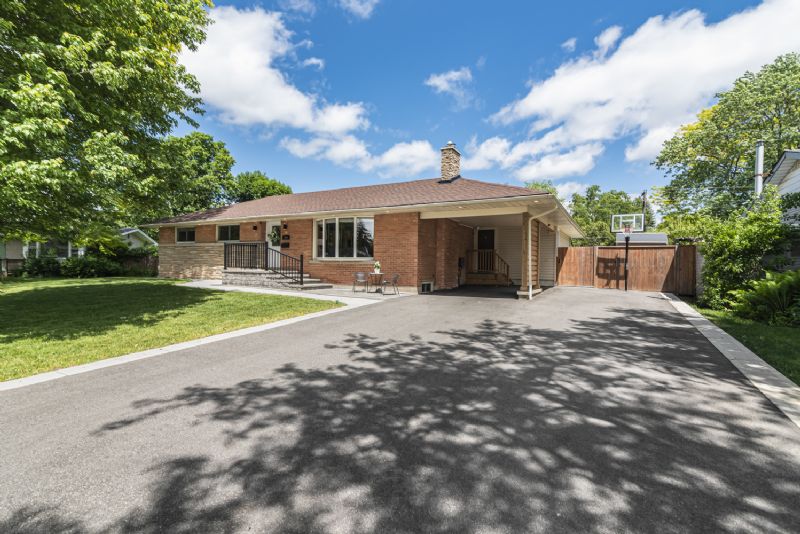
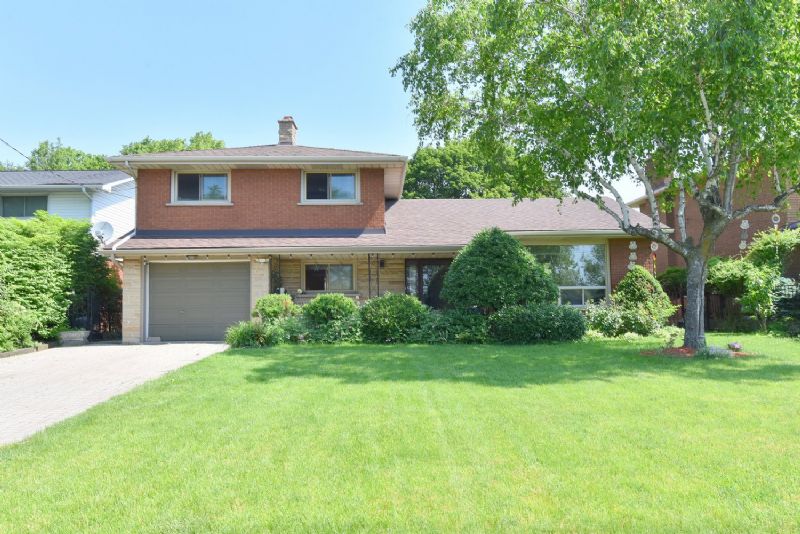
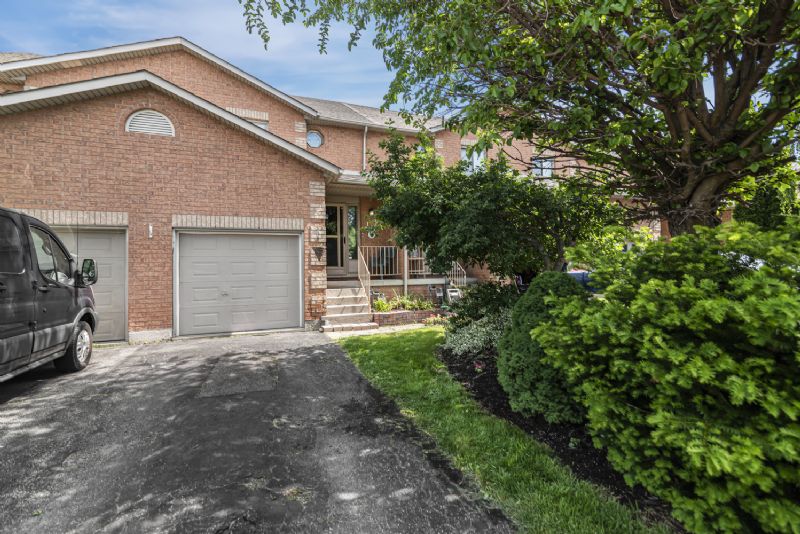
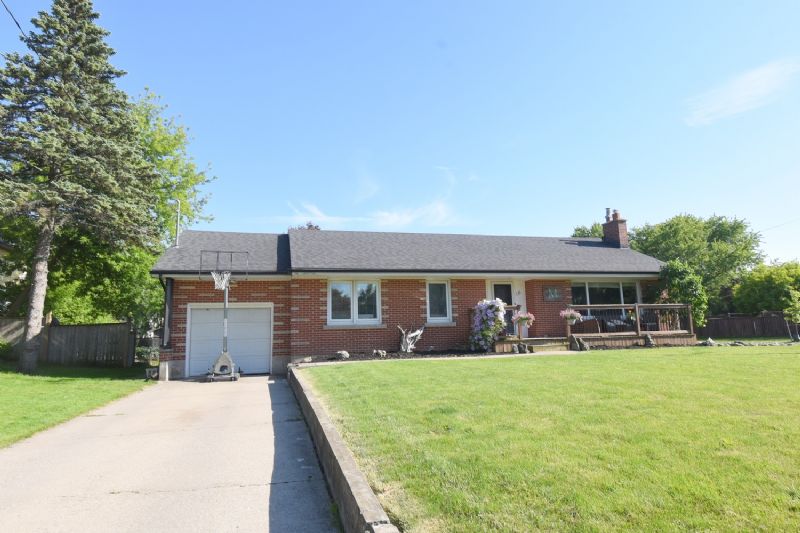
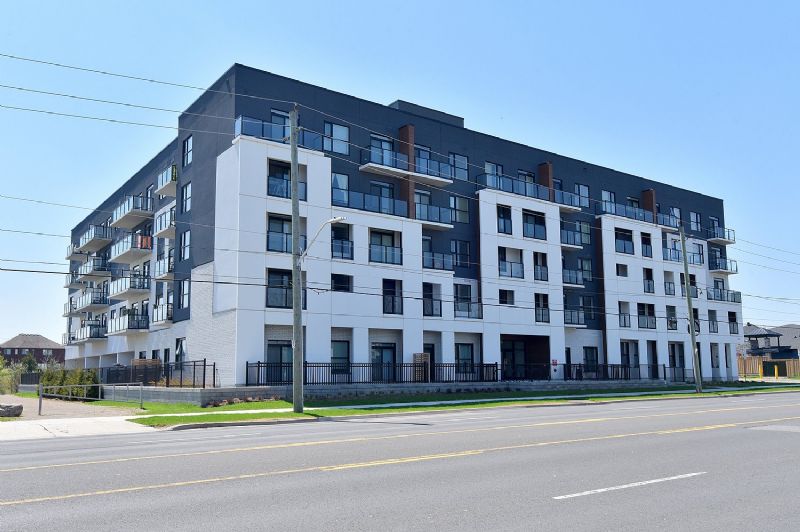
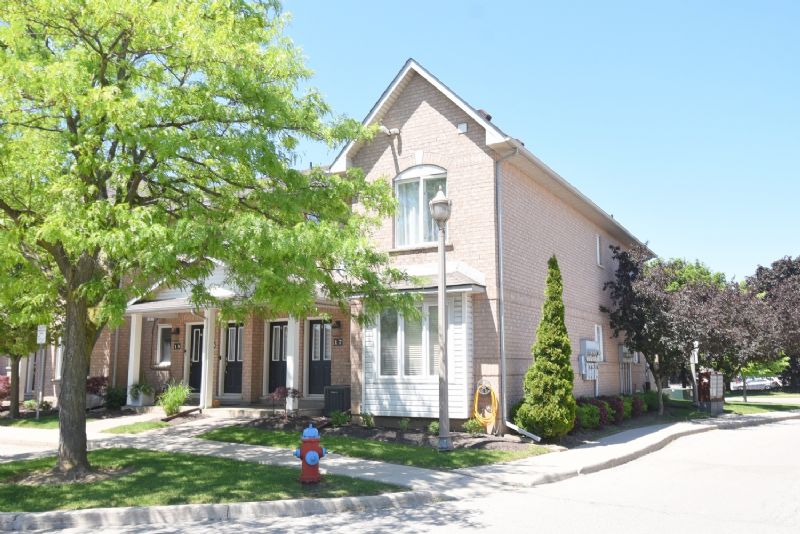
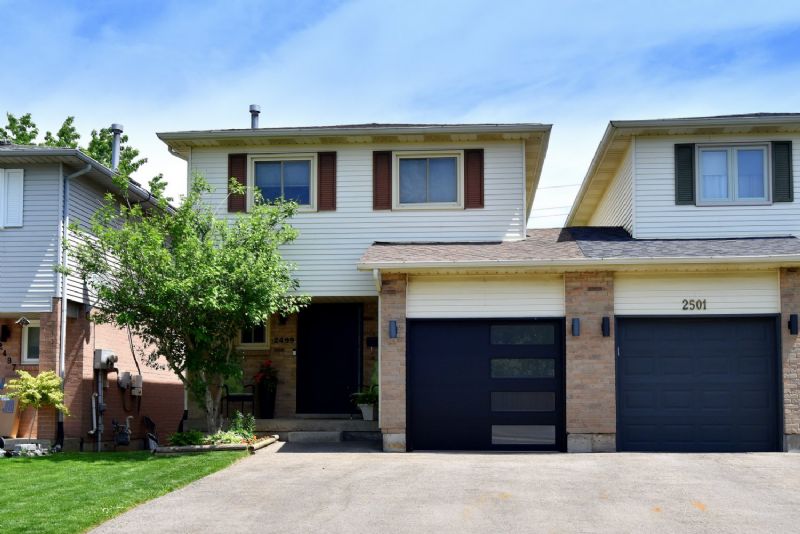
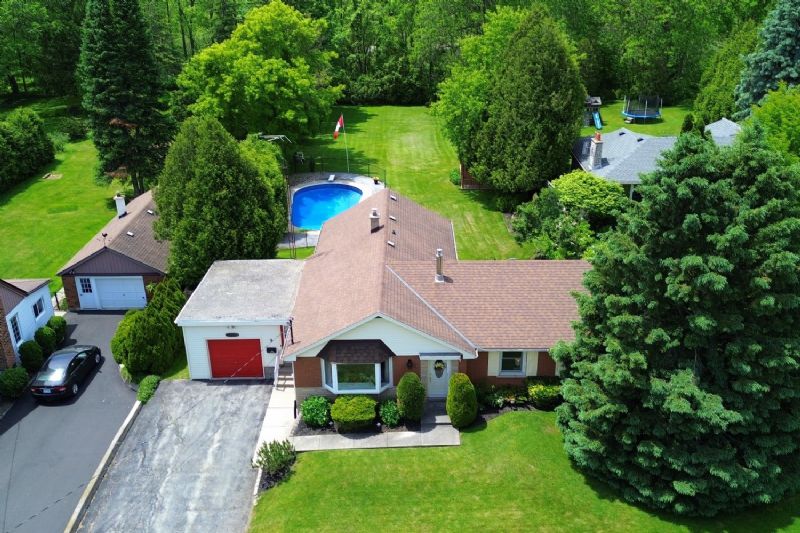
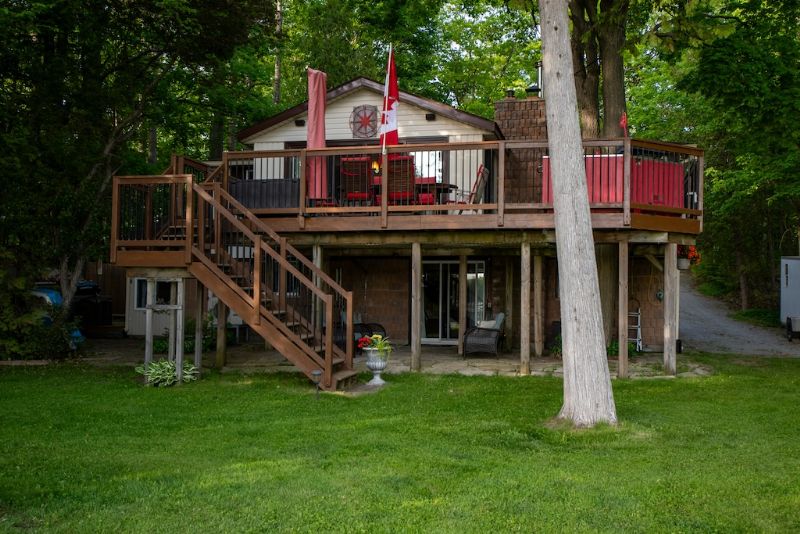
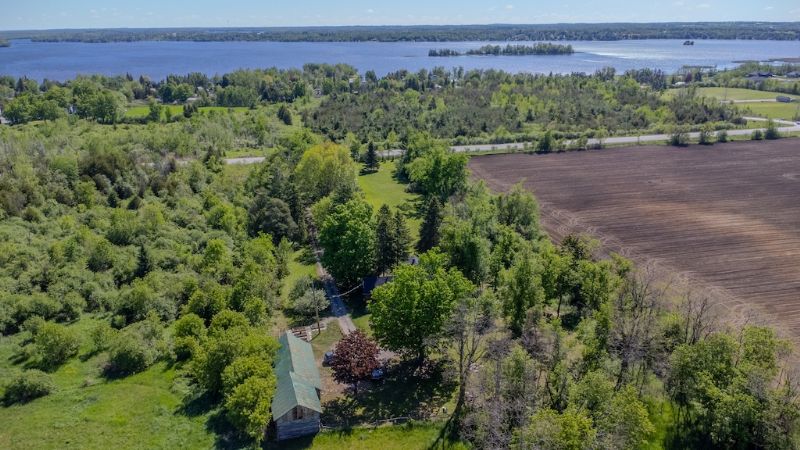
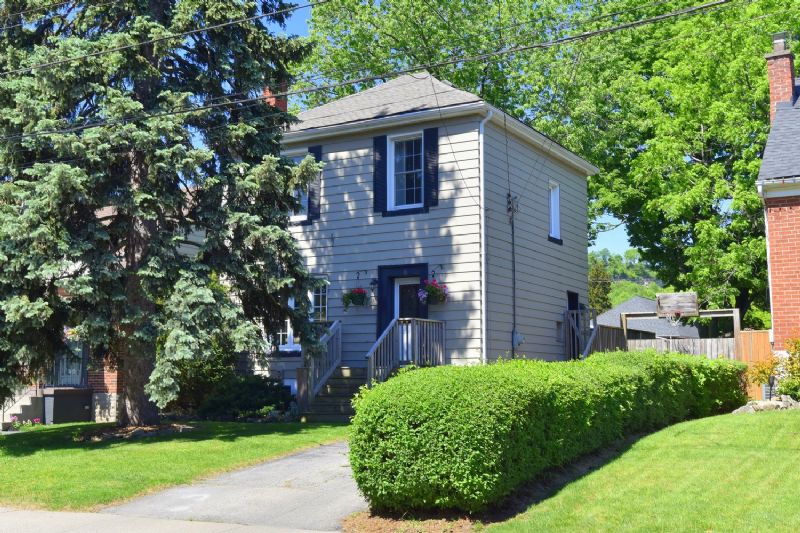
Start advertising a property by connecting with one of our licensed photographers. A multitude of options are available to best market a property.
Order A Virtual Tour
Become A Photographer
Become a photographer with the Venturehomes.ca team. We are looking for photographers, marketing agencies and real estate professionals to join to post their own virtual tours into the Venturehomes.ca system. Please email
info@venturehomes.ca to start the application process.